Check out Huvitz's Global Partners

HRK MATE

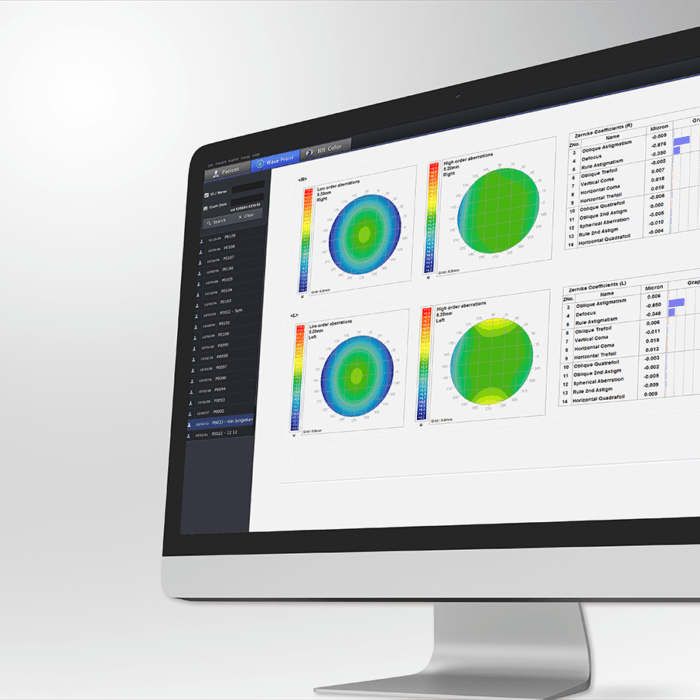
S/W to transmit the data from the product to PC

Data transfer software for easily transmitting and printing patients' refraction test results

Explore Details

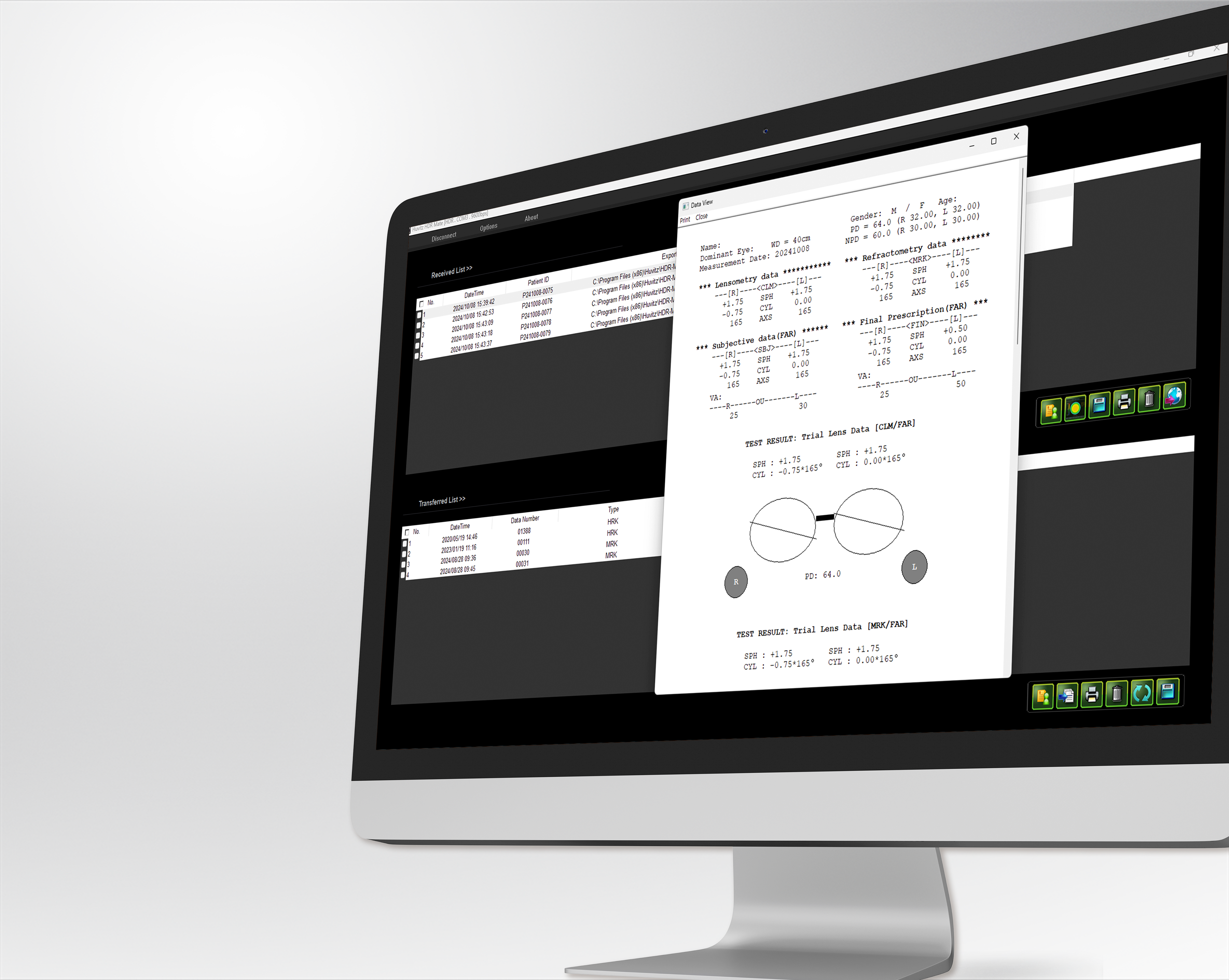
View and save the measured patient data and images

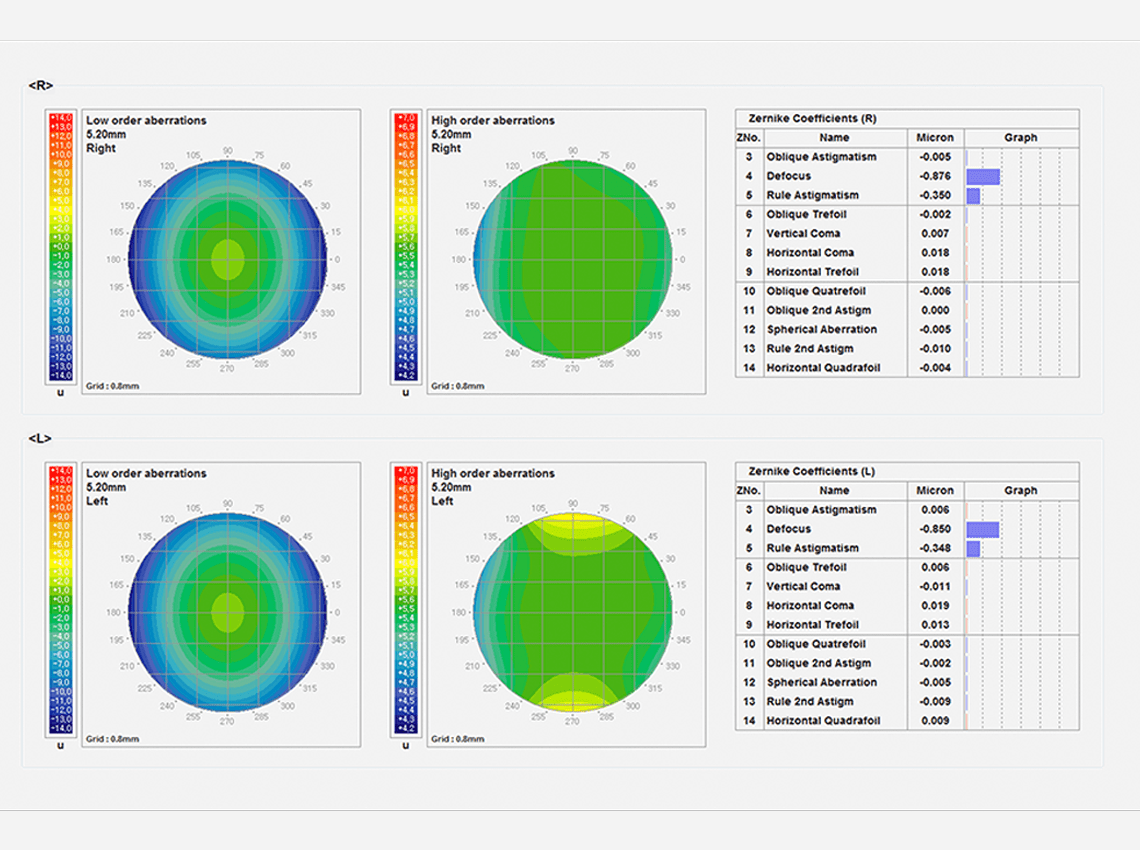
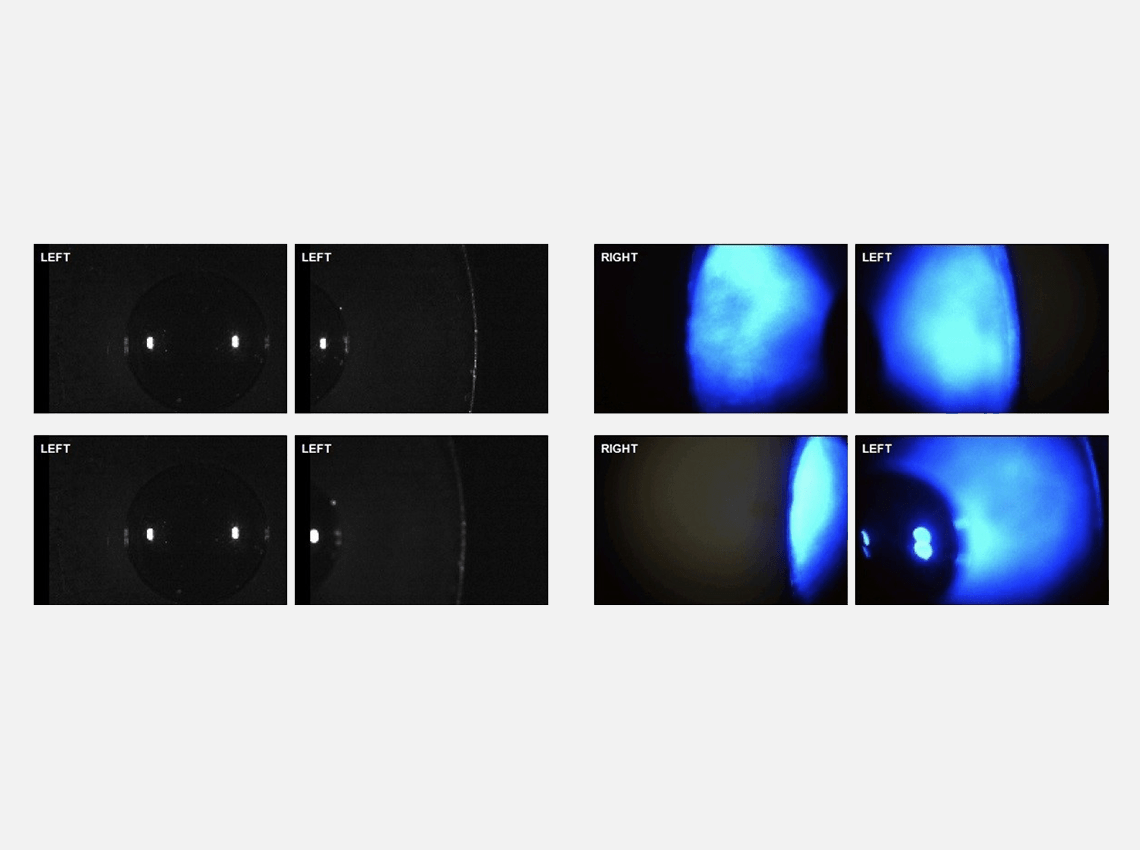
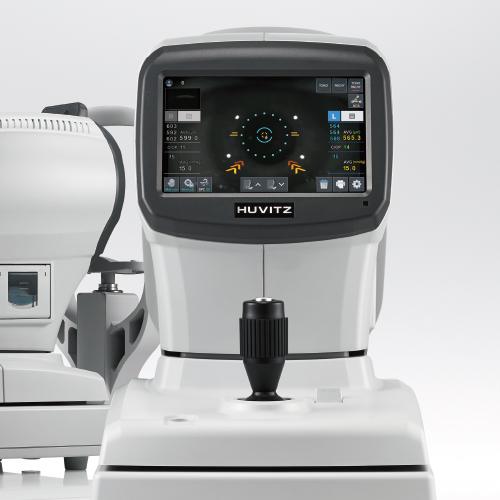
After performing an examination on the HRK-8100A, HRK-9000A, HNT-1/1P and HTR-1A, you can transmit the patient's refraction and keratometry data, as well as images, to HRK-MATE. Results from IOL, Color, Meibo, and TBUT modes can be transmitted in their respective modes. Additionally, you can save and review patient reports and images from Wavefront, IOL/COLOR, and Meibo/TBUT in jpg and bmp image formats.

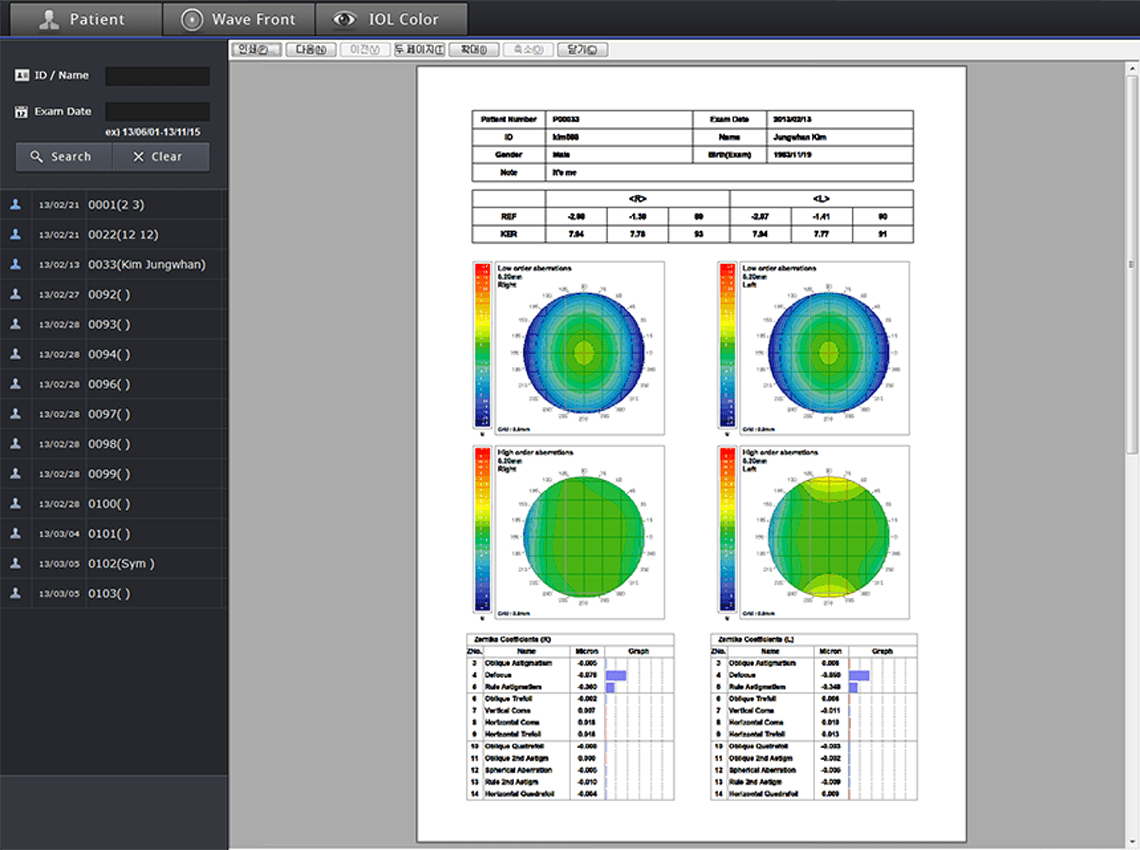
HRK-Mate Patient Test Results Report

Generate and print examination result reports

HRK-Mate allows you to create and print patient examination results as reports and supports print preview.

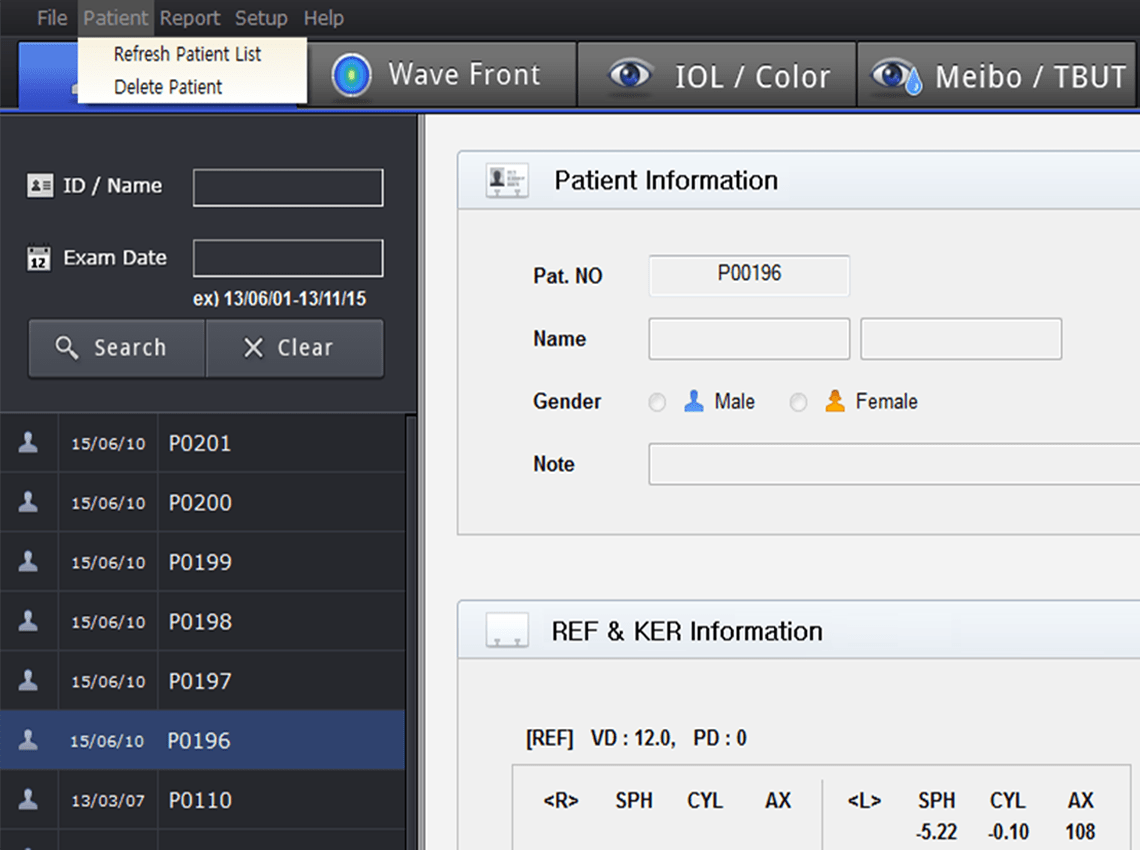
Convenient patient management

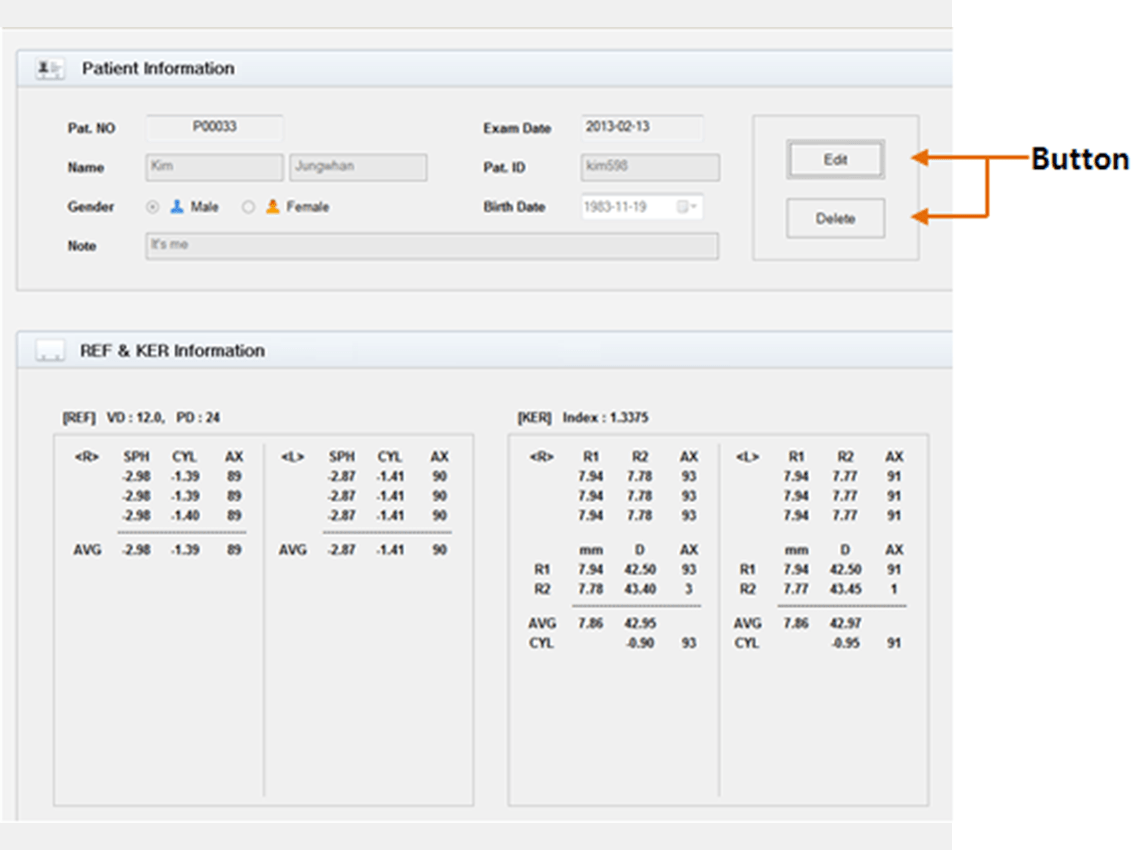
In the Patient Information section, you can write or modify the patient's name, ID, gender, birth date, and memo by pressing the Edit button. Additionally, you can select specific patient data from the Patient List. When examination data is received, HRK-Mate will automatically add it to the Patient List.

HRK MATE's detailed patient management screen

If you want more ophthalmology & optometry content
join Huvitz Members

FAQ

A. HRK MATE is a data transfer software that allows refraction test results measured by auto refractors to be quickly transmitted to a PC for management. Users can review and store measured data and images, and easily create and print examination reports, making patient management more efficient.

A. HRK MATE supports data transmission from Huvitz auto refraction and corneal diagnostic devices to a PC. Examination results such as refractive values, corneal data, and images measured by devices including HRK-1, HRK-8100A, HRK-9000A, HNT-1/1P, and HTR-1A can be sent directly to HRK MATE, significantly improving clinical preparation and record management efficiency.

A. HRK MATE greatly improves data handling efficiency through its patient information management functions. In the “Patient Information” menu, users can easily edit details such as name, ID, gender, date of birth, and notes. When examination data are received, the information is automatically registered in the patient list, enabling efficient management without repetitive data entry.

A. Yes. HRK MATE allows examination results to be easily created in report format and supports both print and preview functions. In addition, images can be saved in various formats, including “Save as Report Image,” “Save as Patient Image,” “Save as Wavefront Image,” “Save as IOL/Color Image,” and “Save as Meiborgraphy/TFBUT Image”, making examination data management and utilization highly convenient.

A. HRK MATE features an intuitive interface that allows even first-time users to operate it with ease. Data transfer, patient information editing, report creation, and image saving functions are clearly organized by menu, enabling users to complete tasks easily without complex procedures.

Inquiry

We look forward to your inquiry. please let us know what we can help you with, and we will get back to you as soon as possible.


The Huvitz Members site is currently under preparation.

We are working hard to provide our customers with better quality services.

Inquiry

Curious about Huvitz? Kindly leave your contact information, and we will be happy to provide you with prompt and helpful answers.

휴비츠에 대해 궁금한 점을 남겨주시면 빠르게 답변드리겠습니다.


Service & Support

Need assistance with a Huvitz product? Leave your contact information, and we will provide you with prompt and helpful assistance.

휴비츠 제품 관련 지원이 필요하신가요? 연락처 정보를 남겨주시면 신속하고 정확하게 안내해 드리겠습니다.


The Huvitz Chat bot is currently under preparation.

We are working hard to provide our customers with better quality services.

공유하기

Share

Let’s find a perfect match with Huvitz!

How can we help?

Click the 'Get Started Now' button for a 1:1 consultation