HDR MATE
Digital Refractor Data Transportation To PC
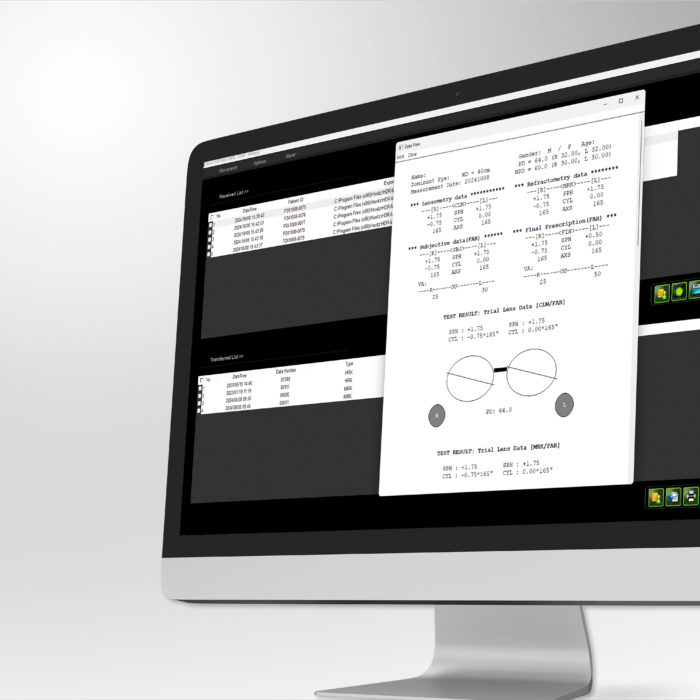
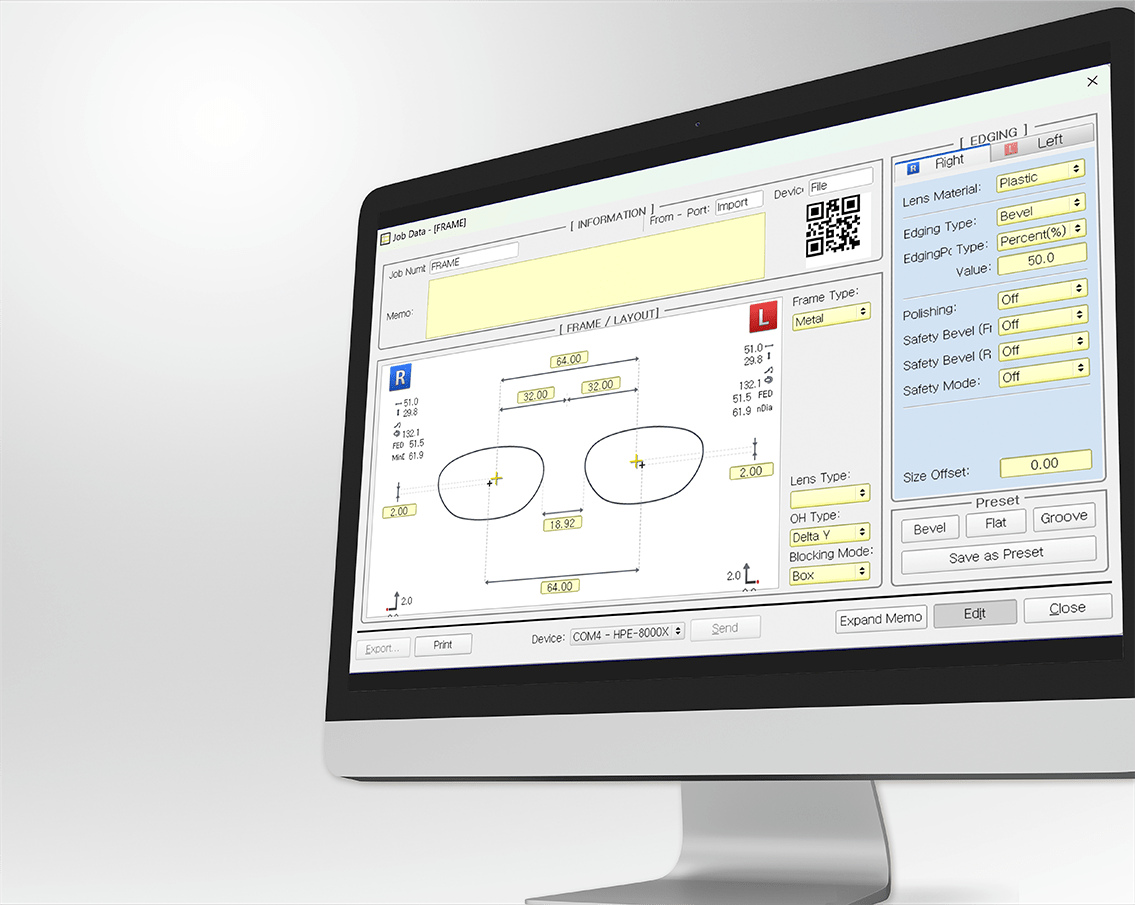
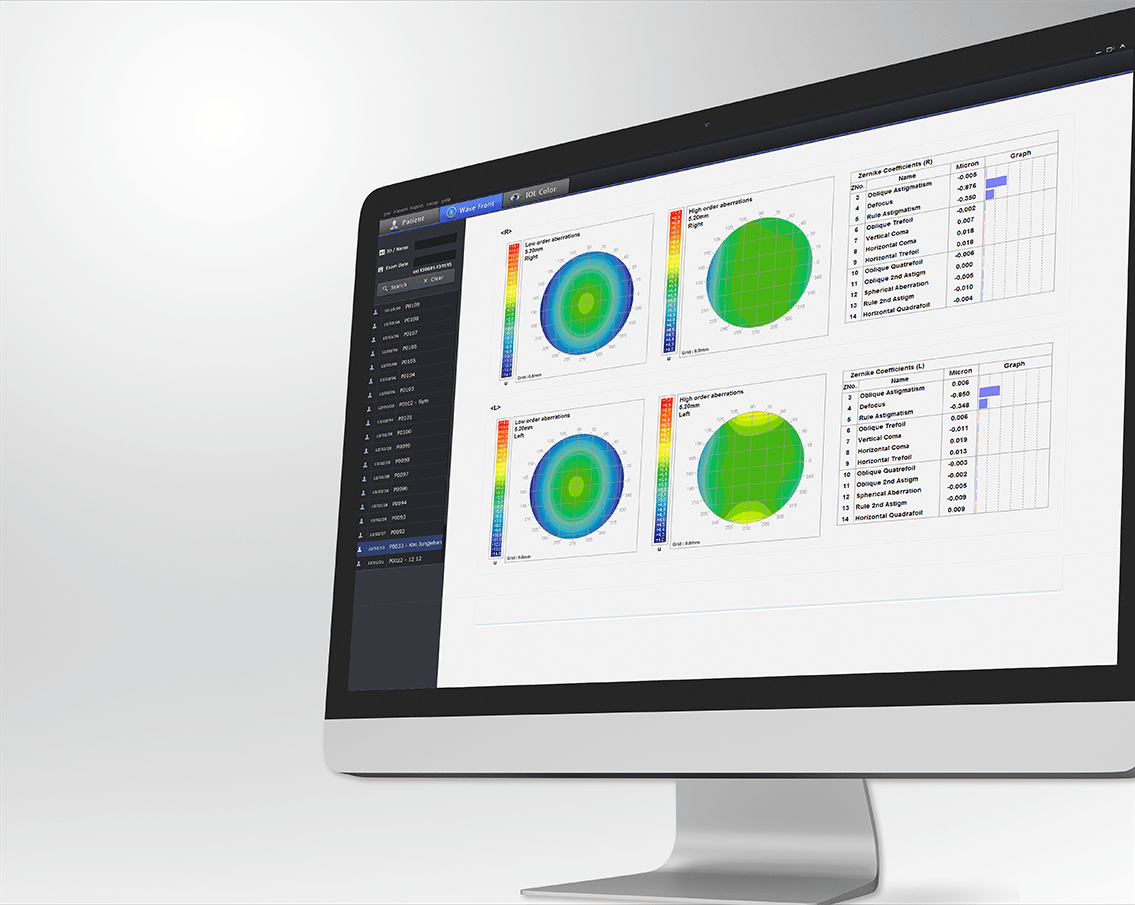
Data transmission software for sending and receiving test results from phoropters and lensmeters
- Conveniently, receive and transfer an examination result between Digital Refractor and PC
- Allow HDR MATE to provides data export in various formats
- Examination result is able to be printed by a printer connected to Windows with ease
MENU
Explore Details
Convenient for transmitting the measurement data
Conveniently, receives examination results from the Digital refractor and transfers measurement data from Lensmeter and the Auto Ref-Keratometer to Digital refractor.
Allow HDR MATE to provides data export in various formats
Allow HDR MATE to provides data export in various formats, including the following
· Microsoft Word format
· Microsoft Excel format
· CSV format
· XML format
· DICOM format (*.dcm file), *Optional
· PDF format
Examination result is able to be printed by a printer connected to Windows with ease
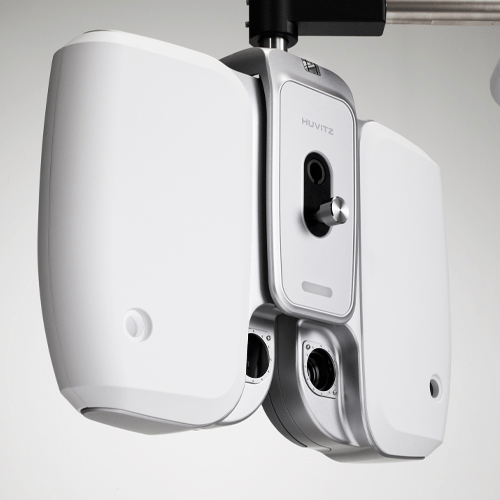
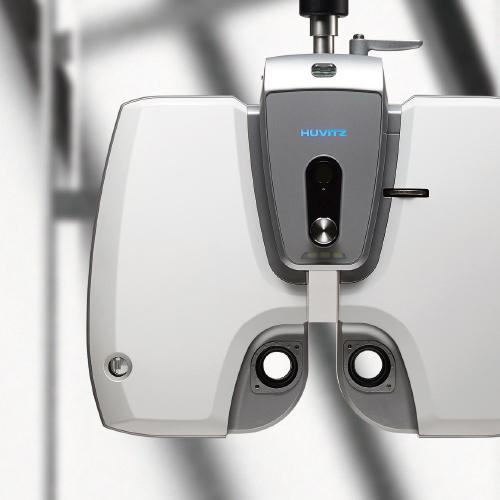
Examination result from the Digital refractor HDR-7100P (or HDR-9000) is able to be printed by a default printer connected to Windows.
If you want more ophthalmology & optometry content
join Huvitz Members
FAQ
Q. What are the main functions of HDR MATE?
A. HDR MATE is a data transfer software that enables convenient transmission and reception of examination results between phoropters, lensmeters, and a PC. It automatically receives examination results from the phoropter and allows measurement data from refractors and lensmeters to be easily transferred to the phoropter, helping to efficiently manage the overall refraction workflow.
Q. Which devices are supported by HDR MATE?
A. HDR MATE supports Huvitz digital phoropters in the HDR series (HDR-7100P, HDR-9000P, etc.). Measurement data obtained from refractors (HRK-9000A, HRK-8100A, HRK-1) and lensmeters (HLM-9000, HLM-7000P, HLM-1) can be transmitted to the phoropter via a PC.
Q. What data transfer methods are available for users?
A. HDR-MATE software is optimized for Windows OS, allowing users to select the most efficient transmission method for stable and reliable data exchange.
Q. Which examination workflow does HDR MATE optimize?
A. HDR MATE supports a continuous examination workflow from auto refractors and lensmeters to the phoropter. Through automatic data transfer, it reduces manual data entry time and enables real-time synchronization of patient-specific examination records.
Q. Which compatible programs and operating systems does HDR MATE support?
A. HDR MATE operates in a Windows-based PC environment and allows examination results to be exported in various formats. For lensmeters and refractors, supported export formats include CSV, XML, and TXT (.mrk, .clm).
For phoropters, examination results can be exported in Word, Excel, CSV, XML, PDF, and TXT formats. In addition, an optional DICOM (*.dcm) format is available, enabling flexible integration with hospital information systems.